August 20, 2026 · By ChefExtract Team
Save Instagram Recipes with ChefExtract and ReciMe (2026)
Step-by-step: how to save an Instagram recipe in ChefExtract and in ReciMe. Both workflows on the same reel — so you can choose the app that fits how you cook.
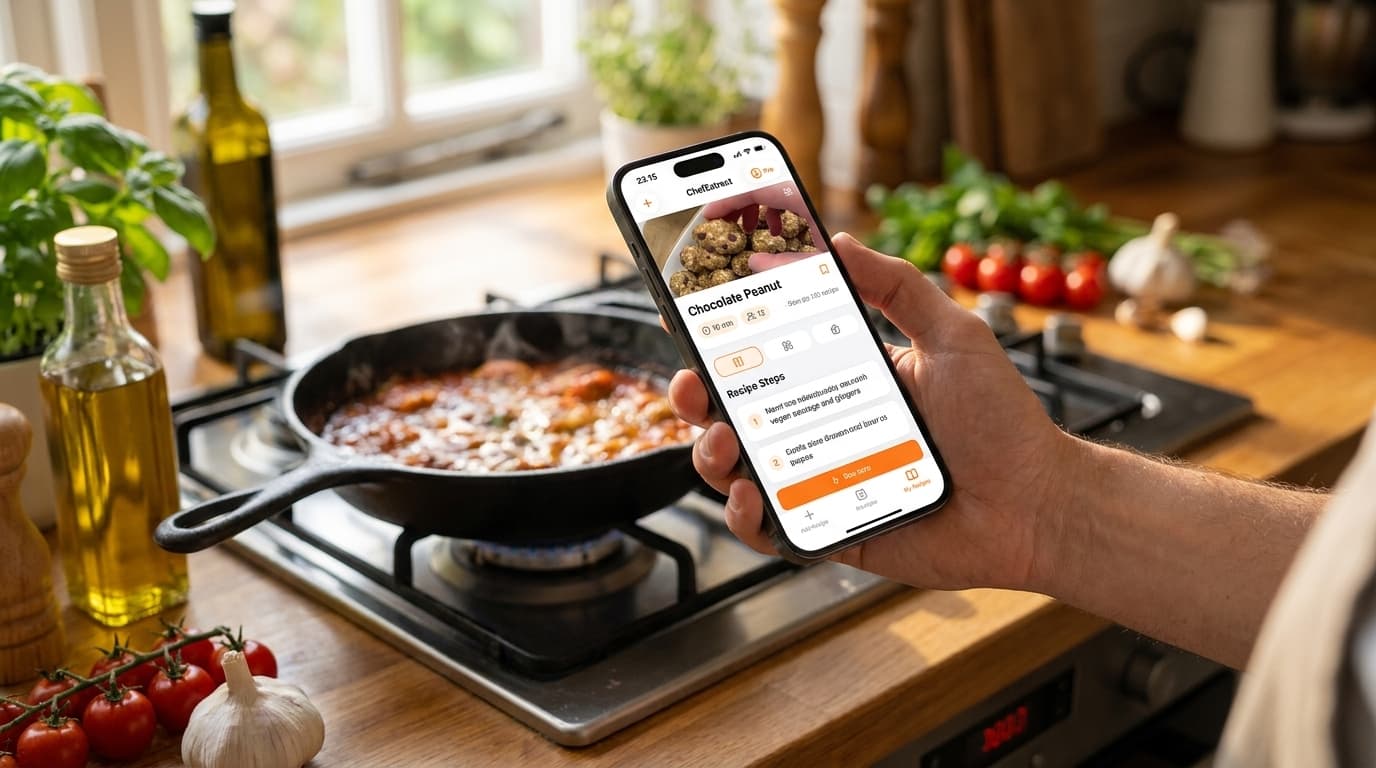
You want to save a recipe from Instagram without screenshotting a reel or rewinding the video twelve times at the stove. Two apps come up constantly: ChefExtract and ReciMe. Both extract structured recipes from Instagram. Both work. They diverge after the extraction step.
This guide walks through how to save the same Instagram recipe in both apps — honestly, step by step — so you can test the workflow before committing. We make ChefExtract, so we will tell you where ReciMe does more. But both instructions below are real. Use whichever matches how you actually cook.
What Instagram recipe saving requires
Instagram reels and posts hide recipes in three places at once:
- The caption (often the full ingredient list)
- On-screen text overlays (flashed for half a second)
- Voiceover narration (quantities spoken while cooking)
A good extractor reads all three. Both ChefExtract and ReciMe handle caption-rich posts well. Reels with minimal text and heavy music are harder for any app.
How to save an Instagram recipe in ChefExtract
ChefExtract integrates with the iOS and Android share sheet, so you can extract without leaving Instagram.
Option A: Share Sheet (fastest on iPhone)
- Open the recipe reel or post in Instagram.
- Tap the share icon (paper plane).
- Select ChefExtract from the Share Sheet.
- Wait ~20 seconds. The structured recipe appears — ingredients, steps, prep/cook times.
- Review, edit anything missing, tap Save.
No copy-paste. No switching apps manually.
Option B: Copy link
- Tap share → Copy link.
- Open ChefExtract — the URL is detected from your clipboard.
- Tap Extract → review → Save.
After saving
Recipes live offline on your device. Cook without Instagram, without wifi, without rewatching the reel. Search your collection by ingredient or title.
Free tier: 5 extractions and 5 saved recipes per year — enough to test on real reels before upgrading.


How to save an Instagram recipe in ReciMe
ReciMe imports from Instagram and stores recipes in a cloud library with meal planning and nutrition tools.
Step 1: Copy the Instagram link
- Open the reel or post in Instagram.
- Tap share → Copy link.
Step 2: Import in ReciMe
- Open ReciMe (iOS or Android).
- Tap add/import recipe.
- Select Instagram as the source, or paste the URL.
- Wait for ReciMe to process the reel and extract the recipe.
- Review and save to your library.
Step 3: Use ReciMe extras (optional)
From your ReciMe library you can add the recipe to a meal plan, generate an aisle-organized grocery list, and view nutrition estimates. Full access requires the $59.99/year subscription; the free tier caps at 5 saved recipes.
Side-by-side: what to expect
| ChefExtract | ReciMe | |
|---|---|---|
| Instagram extraction | Strong (caption + video + audio) | Strong |
| Share Sheet (iOS/Android) | ✅ One tap from Instagram | ❌ Copy link required |
| Offline cooking | ✅ Local storage | ⚠️ Cloud-based |
| Meal planning | ❌ | ✅ |
| Nutrition tracking | ❌ | ✅ |
| Android | ✅ | ✅ |
| Free tier | 5 extractions + 5 recipes/year | 5 recipes total |
| Full access | Pro (lower annual cost) | $59.99/year |
For most Instagram reels with captions or on-screen text, extraction quality is comparable. The difference is share sheet speed and what you want after the recipe is saved.
Which app should you download?
Download ChefExtract if:
- You save Instagram reels on iPhone or Android and want the fastest workflow
- Offline cooking matters — kitchen wifi is unreliable
- You also save from TikTok, YouTube, Pinterest, and Facebook in one app
- You want a searchable personal cookbook, not a meal planner
- You want to try free before subscribing
Use ReciMe instead if:
- You want Instagram saving inside a meal planning + nutrition system
- Aisle-organized grocery lists and weekly calendars are part of your routine
- $59.99/year for the full suite is acceptable
Most people searching "save Instagram recipes" want a cookbook that works at 6pm on a Tuesday — not a nutrition dashboard. That is the problem ChefExtract is built for. If ReciMe's planning tools match how you already run your kitchen, it is a fair alternative.
Try both on the same reel. Cook from whichever saved recipe feels better tonight.
Related guides
- How to save recipes from Instagram — full Instagram workflow
- Best app for saving Instagram recipes — wider app comparison
- ChefExtract vs. ReciMe — detailed feature breakdown
Try ChefExtract free
Save your first recipe in seconds. No account required.