August 20, 2026 · By ChefExtract Team
Save TikTok Recipes with ChefExtract and ReciMe (2026)
Step-by-step: how to save a TikTok recipe in ChefExtract and in ReciMe. Same video, both workflows — plus where ChefExtract pulls ahead on iPhone.
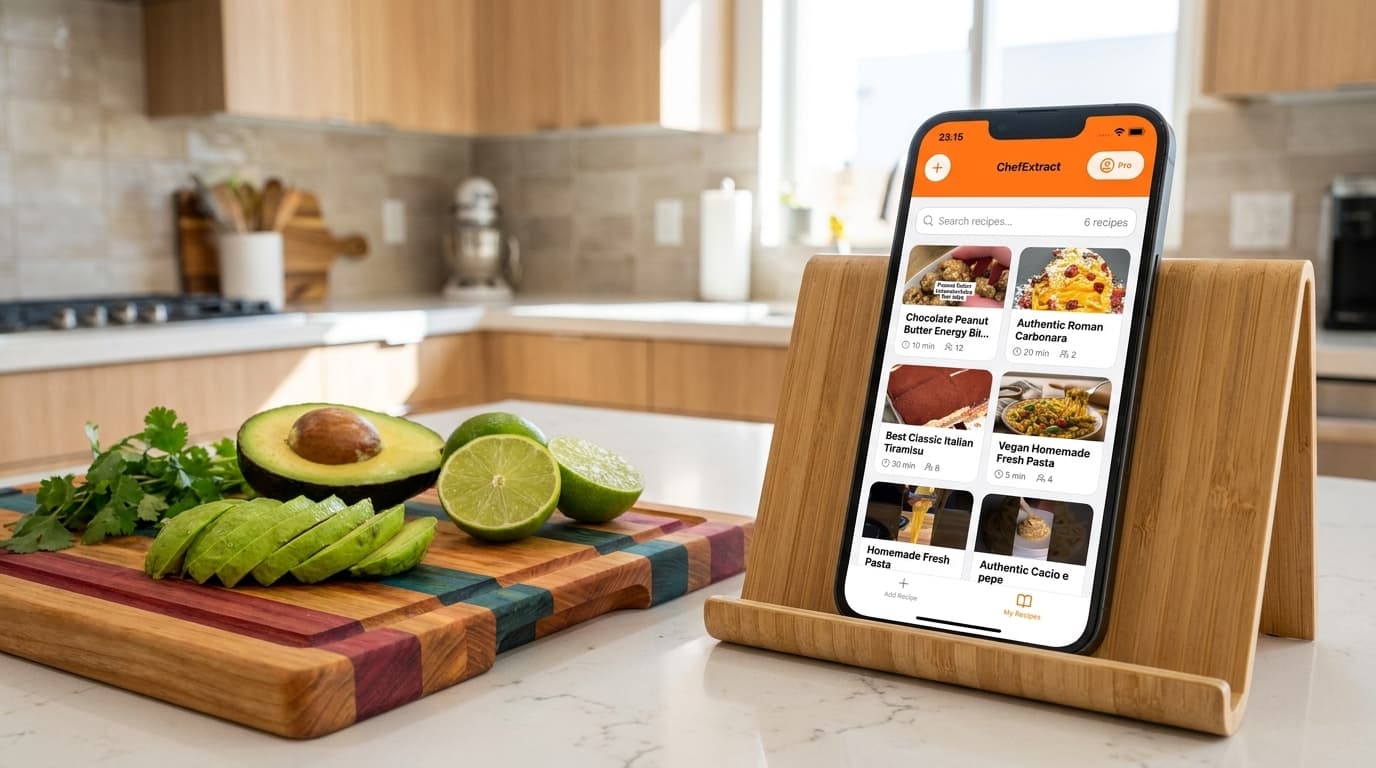
TikTok recipe videos move fast — ingredients flash on screen, the creator talks over music, and the caption might say "full recipe in comments." You want to save that TikTok recipe as something you can cook from without rewinding forty times. ChefExtract and ReciMe both handle TikTok extraction. They feel different on iPhone.
This guide shows how to save the same TikTok recipe in both apps, step by step. We build ChefExtract, so we'll be direct about trade-offs. Both walkthroughs are real — try the one that matches how you cook.
What TikTok recipe extraction needs
Good TikTok extractors read three channels at once:
- On-screen text — ingredient cards that appear for half a second
- Caption — sometimes the full recipe, sometimes empty
- Audio — the creator narrating quantities over background music
Both ChefExtract and ReciMe handle caption-rich TikToks well. Music-heavy, text-sparse aesthetic videos are harder for any app.
How to save a TikTok recipe in ChefExtract
Option A: Share Sheet (fastest on iPhone)
- Open the recipe video in TikTok.
- Tap Share → ChefExtract in the Share Sheet.
- Wait ~20 seconds for extraction.
- Review ingredients and steps, edit anything missing, tap Save.
Option B: Copy link
- Tap Share → Copy link.
- Open ChefExtract — the URL is detected from your clipboard.
- Tap Extract → review → Save.
Saved recipes work offline on your device. No TikTok, no autoplay, no scrolling when you cook.


How to save a TikTok recipe in ReciMe
- Open the video in TikTok, tap Share → Copy link.
- Open ReciMe (iOS or Android).
- Import via TikTok source or paste the URL.
- Wait for processing, review, and save to your library.
ReciMe also offers meal planning, nutrition tracking, and aisle-organized grocery lists after import. Full access is $59.99/year; the free tier caps at 5 saved recipes.
Side-by-side on TikTok
| ChefExtract | ReciMe | |
|---|---|---|
| TikTok extraction | Strong (video + caption + audio) | Strong |
| Share Sheet (iOS/Android) | ✅ One tap from TikTok | ❌ Copy link required |
| Offline cooking | ✅ Local storage | ⚠️ Cloud-based |
| Meal planning | ❌ | ✅ |
| Android | ✅ | ✅ |
For most TikTok cooking videos with captions or on-screen text, extraction quality is comparable. ChefExtract wins on workflow speed — Share Sheet means you never leave TikTok. ReciMe wins if you want meal planning bundled in.
Which app should you download?
Download ChefExtract if you save TikTok recipes on iPhone or Android and want the fastest path to an offline cookbook — especially for caption-light videos where re-extraction and quick editing matter.
Use ReciMe if TikTok saving is one step in a weekly meal plan with nutrition tracking.
Try both free tiers on the same video. Cook from whichever saved recipe you would rather use tonight.
Related guides
- How to save recipes from TikTok
- Best app for saving TikTok recipes
- ChefExtract vs. ReciMe
- Save Instagram recipes with ChefExtract and ReciMe
Try ChefExtract free
Save your first recipe in seconds. No account required.