August 20, 2026 · By ChefExtract Team
How to Save Pinterest Recipes (2026 Guide)
Learn how to save Pinterest recipes to your phone as real, cookable entries — not just pins on a board. Step-by-step for standard pins, Idea Pins, and cooking recipes offline.
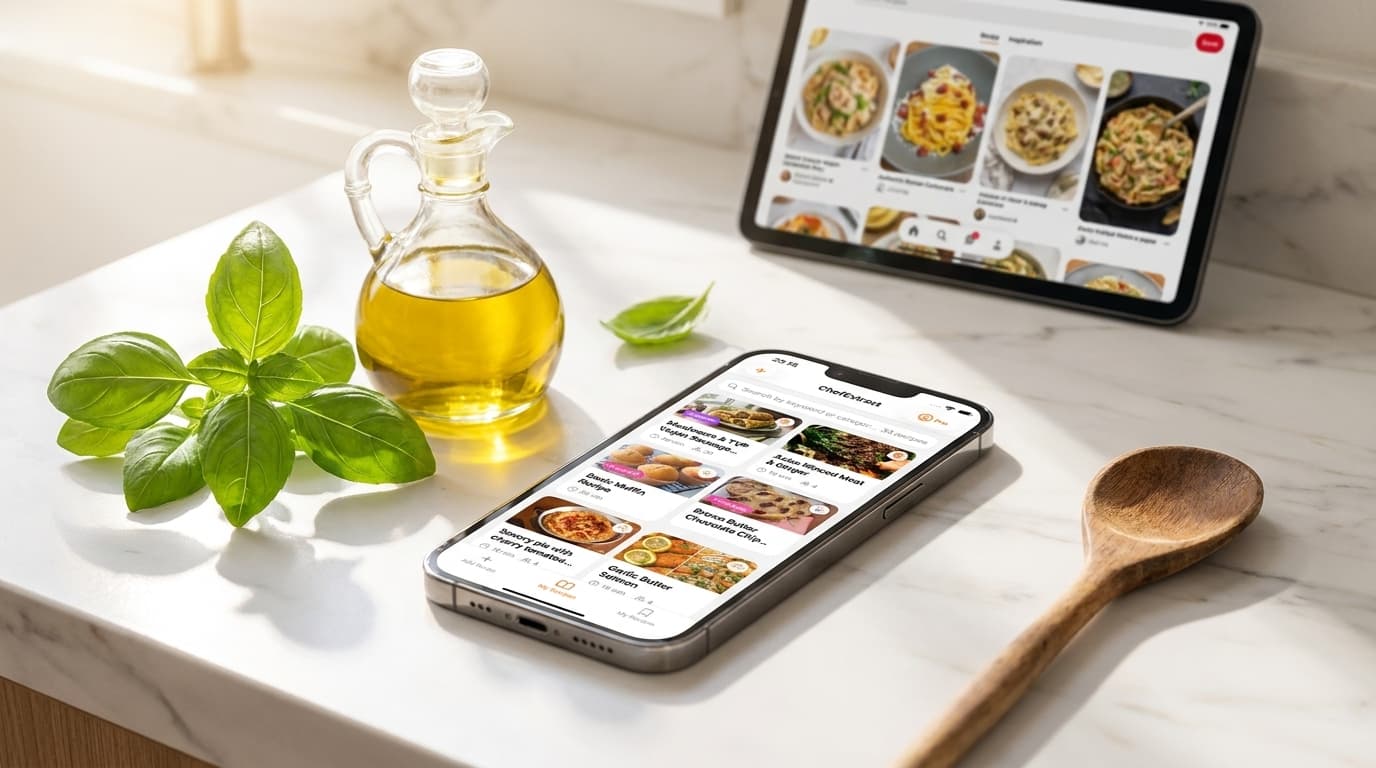
Pinterest is where most people find recipes. It is rarely where they cook from. You save a gorgeous photo of sheet-pan gnocchi, feel organized for a moment, and three weeks later you are tapping through a board full of pins with no idea which one had the sauce you wanted.
Learning how to save Pinterest recipes properly means turning pins into structured, searchable recipes on your phone — not accumulating more bookmarks you will never open.
This guide is the practical version: the steps, the pin types, and what to do when Pinterest alone is not enough.
Step 1: Know what kind of pin you are saving
Not all Pinterest recipe pins work the same way:
| Pin type | What it contains | Best save method |
|---|---|---|
| Standard pin | Links to a food blog or recipe site | Extract from the linked website URL |
| Idea Pin | Recipe spread across slideshow frames on Pinterest | Extract from pin URL, or find the same recipe on the creator's blog or Instagram |
| Pin with recipe in description | Partial ingredients in the pin text | Extract from pin or linked site; edit anything missing |
For most pins — the ones that link out to a blog — the recipe is not on Pinterest at all. It is on the website the pin points to. That is why "saving the pin" feels like saving a recipe but is not.
Step 2: Save a standard Pinterest recipe pin
This covers the majority of cooking pins on Pinterest.
- Open the pin in the Pinterest app or browser.
- Tap Visit (or the link arrow) to open the original recipe page.
- Copy the URL from your browser's address bar.
- Open ChefExtract on your iPhone. The app detects recipe links on your clipboard.
- Tap Extract. In about 20 seconds you get a structured ingredient list, numbered steps, and prep/cook times.
- Save to your cookbook. The recipe is now searchable and works offline.
Food blogs with standard recipe formatting extract especially well — the structured markup on those pages gives clean results with minimal editing.


Step 3: Save cooking recipes from Idea Pins
Idea Pins keep the content on Pinterest as a multi-frame slideshow. The recipe might be split across six or eight frames — ingredients on frame 2, steps on frames 4–7 — which makes extraction less reliable than a standard blog post.
When an Idea Pin extraction comes back incomplete:
- Check the creator's profile for links to Instagram, TikTok, YouTube, or a personal blog. The same recipe often exists there in a cleaner format.
- Copy the Idea Pin URL and try extracting directly — sometimes enough text is captured to build a starting point.
- Edit manually. Every field in ChefExtract is editable. A partial extraction plus two minutes of editing beats rewatching the slideshow at the stove.
Step 4: Organize what you save
Saving the recipe is half the job. The other half is finding it again.
A few habits that help:
- Save when you pin, not when you cook. Two extra steps at pin time eliminates friction at dinner time.
- Use one cookbook app for Pinterest, Instagram, TikTok, and blogs — not five different systems.
- Cull regularly. If you have not cooked it in a year, you probably will not. Pinterest boards do not need pruning; your cookbook might.
Why Pinterest boards are not a recipe collection
Even before extraction, Pinterest boards have structural limits:
- No ingredient search — you cannot find "recipes with feta" across a board
- Broken links — food blogs reorganize URLs, let domains lapse, or remove posts constantly
- No cooking view — tapping through means ads, pop-ups, and navigation on a food blog
- Mixed intent — inspiration pins sit next to recipes you actually want to cook
A personal cookbook app solves all four. Pinterest remains useful for discovery; your phone becomes where recipes live.
When to use an app vs. manual saving
Manual copy into Notes works for one recipe you will cook tonight. A recipe saver app makes sense when you:
- Save more than a few recipes per month
- Cook from Pinterest, Instagram, and TikTok — not just blogs
- Want offline access in the kitchen
- Need to search by ingredient across your collection
For app options, see best app to save Pinterest recipes. For iPhone-specific tips — Share Sheet, clipboard workflow, and cooking offline — see save Pinterest recipes on iPhone.
Going deeper
This guide covers the core workflow. For Idea Pin edge cases, migrating old boards, and why Pinterest is still great for discovery, the longer how to save recipes from Pinterest guide goes further. Saving from other platforms too? The complete social media recipe guide covers Instagram, TikTok, YouTube, Facebook, and Pinterest in one place.
Try ChefExtract free
Save your first recipe in seconds. No account required.