August 20, 2026 · By ChefExtract Team
How to Save Pinterest Recipes on iPhone (2026)
Save cooking recipes from Pinterest on iPhone in under a minute — copy a pin link, extract structured ingredients and steps, and cook offline without reopening Pinterest.
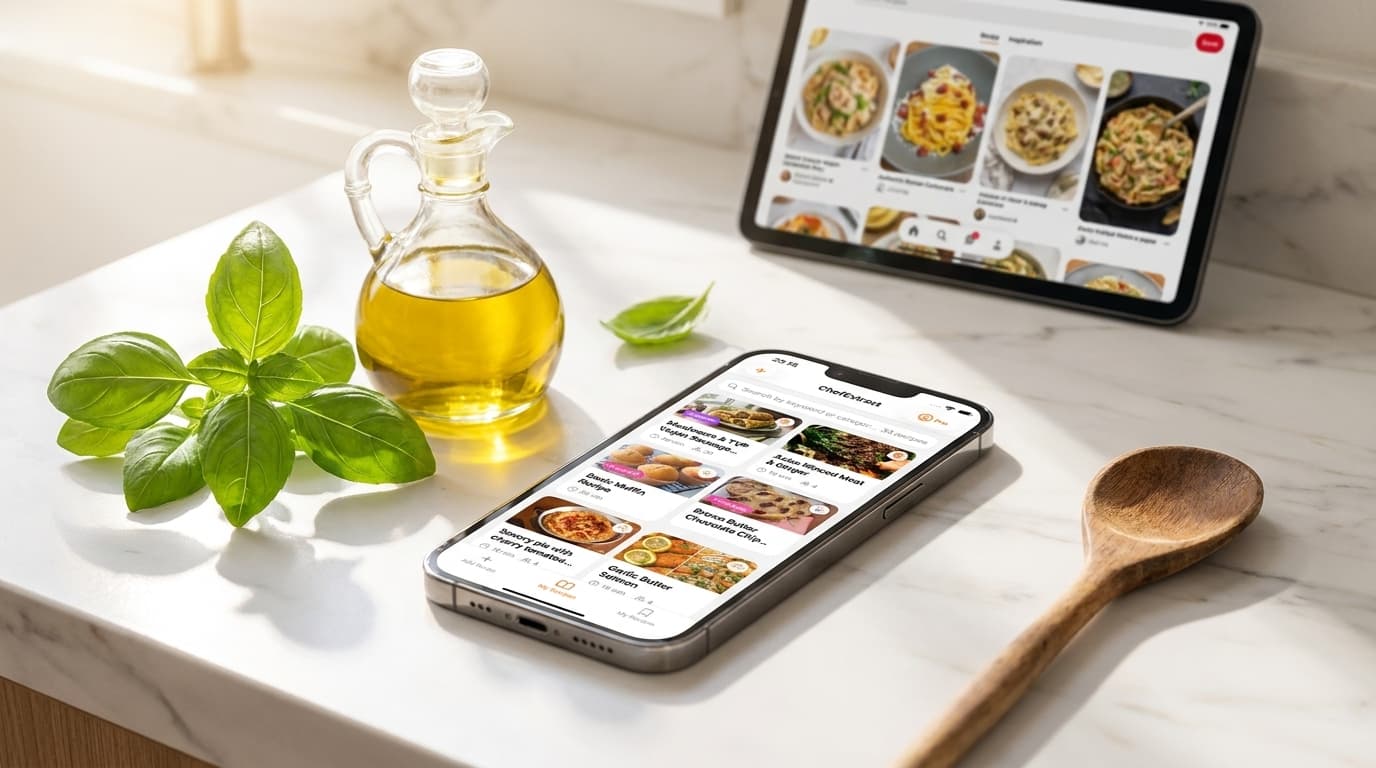
You found the perfect dinner on Pinterest — on your iPhone, naturally — and now you want to save that cooking recipe on Pinterest in a form you can actually cook from. Not a pin on a board. Not a screenshot. A real recipe with ingredients and steps, on your phone, ready when you are at the stove.
This guide is iPhone-specific: the fastest path from a Pinterest pin to a saved, offline cookbook entry.
Why saving Pinterest recipes on iPhone is awkward by default
iPhone gives you plenty of ways to almost save something:
- Pin to a board — bookmarks the pin, not the recipe
- Screenshot — fast capture, terrible search six months later
- Safari bookmark — works for the food blog, not for the Pinterest app flow
- Apple Notes — fine if you type the whole recipe by hand
None of these read a Pinterest pin, follow it to the source, extract structured ingredients, and give you an offline cooking view. That is what a recipe saver app does — and on iPhone, the clipboard and Share Sheet make the workflow surprisingly fast.
The fastest way: copy link → extract → save
For most recipe pins (the ones linking to a food blog):
- In Pinterest: open the recipe pin.
- Tap the share icon, then Copy link. (Alternatively, tap Visit to open the blog, then copy the URL from Safari — both work; blog URLs often extract even cleaner.)
- Switch to ChefExtract. The app detects the copied link automatically.
- Tap Extract. Wait ~20 seconds.
- Review and Save. Edit anything the AI missed, then add to your cookbook.
The recipe now lives on your iPhone. No Pinterest required when you cook. No ads from the food blog. No hunting through boards.


Save cooking recipes on Pinterest when the pin links to a video
Some Pinterest pins link to YouTube, TikTok, or Instagram instead of a written recipe blog. The workflow is the same on iPhone:
- Copy the pin link (ChefExtract follows it to the video source).
- Paste or auto-detect in ChefExtract.
- Extract — the app reads caption, on-screen text, and audio together.
Video sources vary in quality. Caption-rich posts extract well; aesthetic-only videos may need manual editing. The same is true for Instagram reels and TikTok recipes.
Idea Pins on iPhone: what to expect
Pinterest Idea Pins display as slideshows inside the app. Saving them on iPhone follows the same copy-link workflow, but results depend on how much recipe text appears in the pin itself.
If extraction comes back thin:
- Open the creator's Pinterest profile — many link to Instagram or a blog where the same recipe extracts cleanly.
- Use the partial extraction as a draft and fill in missing steps by hand.
- See our Pinterest recipe saving guide for Idea Pin specifics.
Wire it into your iPhone workflow
Once ChefExtract is installed, a few iPhone habits make Pinterest saving frictionless:
Save at pin time, not cook time. When you pin something you genuinely plan to make, extract it immediately. Thirty seconds now saves ten minutes of board-scrolling later.
Use one app for every source. Pinterest for discovery, ChefExtract for the cookbook. Same workflow for Instagram, TikTok, YouTube, and recipe blogs — you do not need a different system per platform.
Cook offline. After saving, recipes work without wifi. Kitchen dead zones and spotty Pinterest loading stop being problems.
For the broader iPhone recipe-saving setup — Share Sheet, native iOS options, and platform-by-platform tips — see how to save recipes on iPhone.
ChefExtract vs. doing it manually on iPhone
| Approach | Time per recipe | Searchable | Offline | Works from Pinterest app |
|---|---|---|---|---|
| Screenshot | 5 sec | Poor | Yes | Yes |
| Copy to Notes by hand | 5–15 min | Limited | Yes | No (manual typing) |
| Pin to board | 2 sec | No | No | Yes |
| ChefExtract extract | ~30 sec | Yes | Yes | Yes (copy link) |
For anyone who saves more than a handful of cooking recipes from Pinterest on iPhone, the extractor wins on every dimension that matters at cook time.
Comparing apps on iPhone
If you are deciding between recipe savers, two posts cover the decision from different angles:
- Best app to save Pinterest recipes — round-up of options
- Save Pinterest recipes with ChefExtract and ReciMe — step-by-step in both apps, side by side
Try it on a pin you already saved
Pick one recipe pin from a board you have been meaning to cook. Copy the link, run it through ChefExtract, and see if the extraction is clean enough to cook from tonight.
If it works, you will never go back to screenshotting ingredient lists. If it needs a little editing, that still beats tapping through three food-blog pop-ups at 6pm on a Tuesday.
Try ChefExtract free
Save your first recipe in seconds. No account required.