August 20, 2026 · By ChefExtract Team
Save Pinterest Recipes with ChefExtract and ReciMe (2026)
Step-by-step: how to save a Pinterest recipe in ChefExtract and in ReciMe. Same pin, both workflows explained — so you can pick the app that fits how you cook.
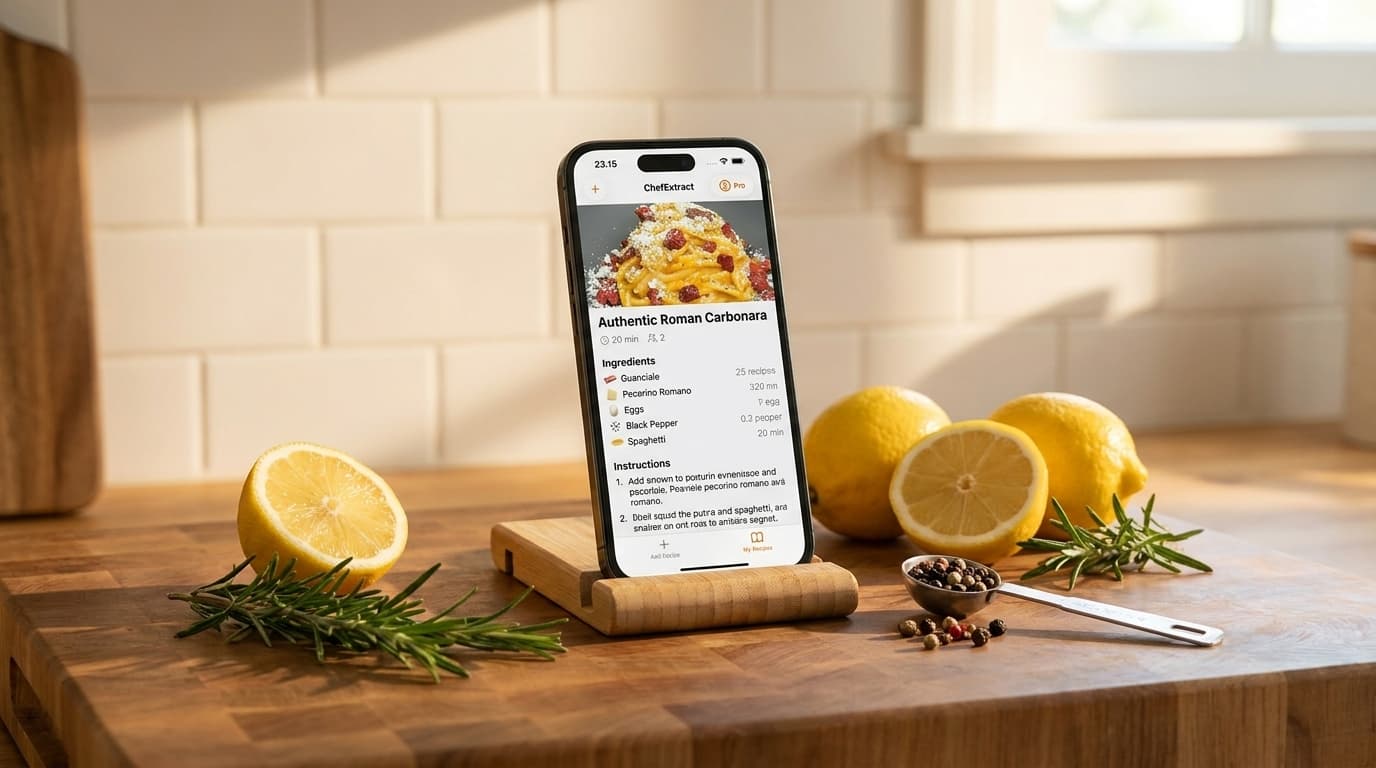
You searched for a way to save Pinterest recipes and landed on two apps people mention most: ChefExtract and ReciMe. Both can turn a pin into a structured recipe. They work differently, cost differently, and make sense for different kinds of cooks.
This guide shows you how to save the same Pinterest recipe in both apps — step by step, honestly — so you can try the workflow before you commit. We build ChefExtract, so we will be direct about where ReciMe does more. But both walkthroughs below are genuine; use whichever fits your kitchen.
Before you start: what kind of Pinterest pin is it?
Both apps work best with standard recipe pins that link to a food blog or recipe website. That is most pins on Pinterest.
| Pin type | ChefExtract | ReciMe |
|---|---|---|
| Standard pin → food blog | ✅ Strong | ✅ Strong |
| Pin → YouTube / TikTok video | ✅ Works | ✅ Works |
| Idea Pin (slideshow on Pinterest) | ⚠️ Variable | ⚠️ Variable |
If your pin links to a blog, either app should handle it. If it is an Idea Pin with the recipe spread across frames, check whether the creator also posted on Instagram or a blog — extraction is usually cleaner from there.
How to save a Pinterest recipe in ChefExtract
ChefExtract follows your pin link to the original source and extracts structured ingredients and steps. On iPhone, clipboard detection makes this fast.
Step 1: Copy the pin link
- Open the recipe pin in the Pinterest app.
- Tap the share icon.
- Tap Copy link.
Alternatively, tap Visit to open the food blog in Safari, then copy the blog URL from the address bar. Blog URLs often produce the cleanest extraction.
Step 2: Extract in ChefExtract
- Open ChefExtract on your iPhone.
- The app detects the copied URL automatically — tap Extract.
- Wait about 20 seconds. You get a structured recipe: ingredients with measurements, numbered steps, prep and cook times.
- Review the output. Edit any field that needs fixing — quantities, step order, title.
- Tap Save to add it to your personal cookbook.
Step 3: Cook from your cookbook
The saved recipe works offline. Open it in the kitchen without Pinterest, without the food blog, without ads. Search your collection by ingredient or title anytime.
ChefExtract free tier: 5 extractions and 5 saved recipes per year — enough to test the full Pinterest workflow before upgrading to Pro for unlimited use.


How to save a Pinterest recipe in ReciMe
ReciMe imports from Pinterest as one of its supported sources and stores recipes in a cloud-based library with meal planning and nutrition features.
Step 1: Copy the pin link
Same as above — open the pin in Pinterest, tap share, Copy link. Or copy the food blog URL after tapping Visit.
Step 2: Import in ReciMe
- Open ReciMe on your iPhone (or Android — ReciMe supports both).
- Tap the import or add recipe option.
- Select Pinterest as the source (or paste the URL into the import field).
- Wait for ReciMe to process the pin and extract the recipe.
- Review and save to your ReciMe library.
Step 3: Use ReciMe's extra features (optional)
Once saved in ReciMe, you can:
- Add the recipe to a meal planning calendar
- Generate a grocery list organized by aisle
- View nutrition and calorie estimates
These features are part of ReciMe's full subscription ($59.99/year). The free tier limits you to 5 saved recipes total.
Same pin, different experience: what to expect
We ran the same type of workflow on standard pins linking to food blogs — the most common Pinterest recipe format:
| ChefExtract | ReciMe | |
|---|---|---|
| Extraction quality (blog pins) | Clean, structured | Clean, structured |
| Time to save | ~30 seconds | ~30–60 seconds |
| Offline cooking | ✅ All recipes local | ⚠️ Cloud-based |
| Meal planning | ❌ | ✅ |
| Nutrition tracking | ❌ | ✅ |
| Android | ✅ | ✅ iOS + Android |
| Free tier | 5 extractions + 5 recipes/year | 5 recipes total |
| Full access price | Pro subscription (lower than ReciMe) | $59.99/year |
For standard Pinterest-to-blog pins, extraction quality is comparable. The decision is what you want after the recipe is saved.
Which app should you download?
Download ChefExtract if:
- You cook from Pinterest (and Instagram, TikTok, YouTube) on iPhone or Android
- You want recipes stored offline on your device
- You want the simplest copy-link → extract → cook workflow
- You do not need meal planning or nutrition tracking built in
- You want to try the workflow free before paying
Use ReciMe instead if:
- You want Pinterest import inside a full meal management system
- Meal planning calendars and aisle-organized grocery lists matter to you
- Nutrition and macro tracking per recipe is a requirement
- You are fine with $59.99/year for the complete feature set
We think most people who search "how to save Pinterest recipes" want a cookbook, not a meal planner. That is why we built ChefExtract the way we did — fast extraction, offline storage, one app for every platform you save from.
But if ReciMe's extras match how you already plan meals, it is a legitimate choice. Try both free tiers on the same pin and see which saved recipe you would rather cook from tonight.
Other Pinterest saving guides
- How do you save recipes on Pinterest? — direct FAQ answer
- Save Pinterest recipes on iPhone — iPhone workflow deep dive
- Best app to save Pinterest recipes — full app round-up
- ChefExtract vs. ReciMe — detailed feature comparison
Try it now
Pick one recipe pin you have been meaning to cook. Copy the link. Run it through ChefExtract:
If the extraction is clean and you can cook from it offline tonight, you have your answer. If you need meal planning on top, give ReciMe a try on the same pin and compare.
Try ChefExtract free
Save your first recipe in seconds. No account required.