August 20, 2026 · By ChefExtract Team
How Do You Save Recipes on Pinterest? (2026)
Pinterest saves pins, not cookable recipes. Here is how to actually save a Pinterest recipe so you can search ingredients, cook offline, and find it again on your phone.
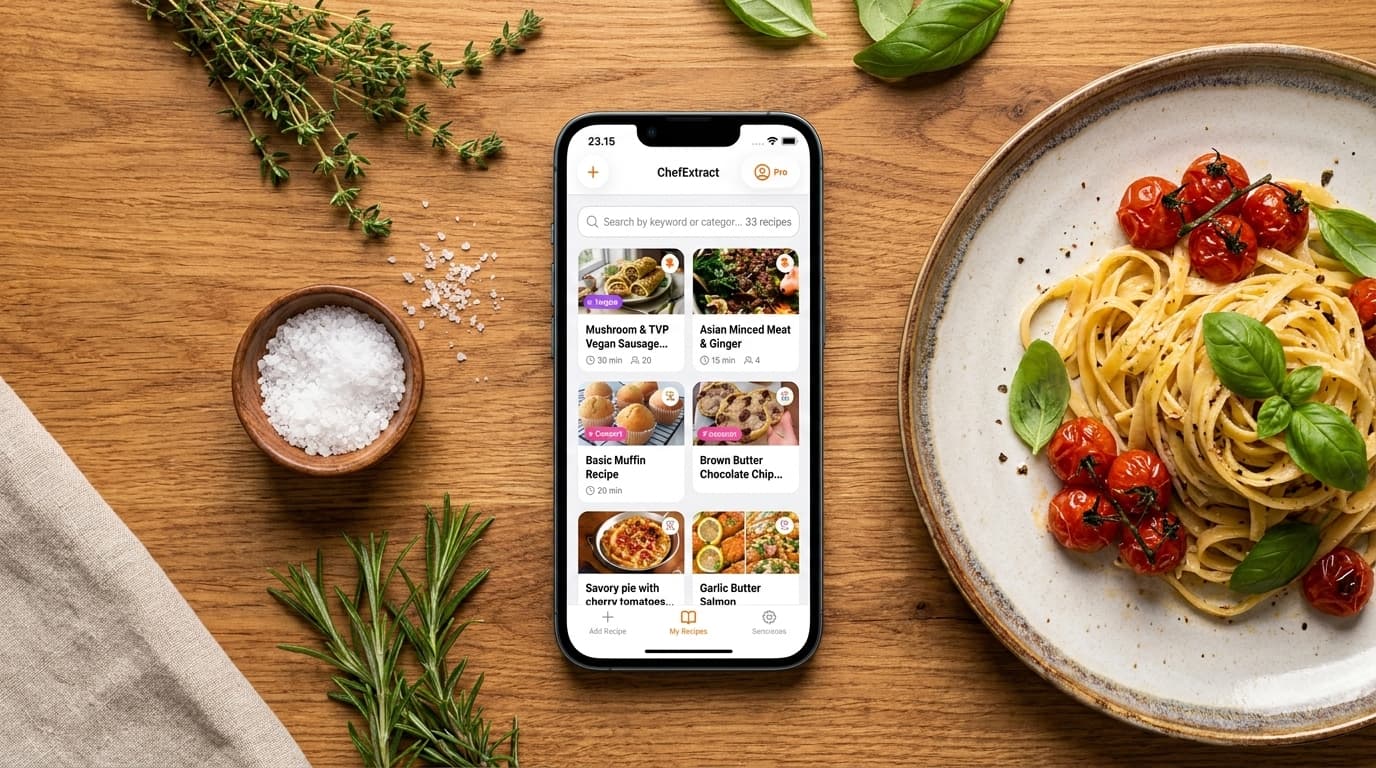
If you have ever opened a Pinterest board at dinner time and tapped through three broken links before giving up, you already know the problem: saving a pin is not the same as saving a recipe.
Pinterest is excellent at showing you food you want to make. It is weak at giving you a usable ingredient list when you are standing at the stove. This article answers the question directly — how do you save recipes on Pinterest in a way that actually works — and when a dedicated app is worth it.
The short answer
To save a recipe on Pinterest in a usable form, you need to extract the recipe from the source page (or the pin) into a structured cookbook on your phone. Pinterest itself only bookmarks the pin. A recipe app reads the linked blog post — or the pin content — and turns it into searchable ingredients and numbered steps.
The fastest workflow on iPhone:
- Open the recipe pin on Pinterest.
- Tap Visit to open the original recipe site (for standard pins), or copy the pin link (ChefExtract and some apps follow it to the source).
- Copy the URL.
- Paste it into a recipe extractor like ChefExtract.
- Save the structured recipe to your personal cookbook.
That takes about 30 seconds and gives you something Pinterest alone never will: offline access, ingredient search, and a clean cooking view.
What Pinterest actually saves when you pin a recipe
When you hit Save on a recipe pin, Pinterest stores:
- The image thumbnail
- A link to an external site (in most cases)
- Sometimes a short description written by the pinner or creator
It does not store:
- A searchable ingredient list
- Structured cooking steps
- Offline access
- Anything you can cook from without leaving Pinterest
Most recipe pins are links to food blogs. The recipe lives on that blog — behind ads, pop-ups, and a long introduction. Pinterest is the visual index; the blog is the actual recipe. Saving the pin saves the index entry, not the recipe itself.
Three ways people try to save Pinterest recipes (and why they fail)
1. Pinning to a board
This is the default. It works for discovery ("I want to cook this someday") and fails for cooking ("I need the ingredient list now"). Boards also mix recipes you will never make with ones you actually want, with no way to tell them apart except opening each pin.
2. Screenshots
Fast, messy, impossible to search by ingredient. Six months later your camera roll is a graveyard of half-readable ingredient lists.
3. Bookmarking the food blog in Safari
Better than screenshots for standard web recipes. Useless when the pin links to a video, an Idea Pin, or a site that later goes offline. Also does nothing for the hundreds of pins you already saved on Pinterest.
The workflow that actually works
For a standard recipe pin (links to a food blog):
- Open the pin on Pinterest.
- Tap Visit (or the outbound link icon) to open the recipe website.
- Copy the URL from Safari.
- Open ChefExtract on your iPhone — the link is often detected from your clipboard automatically.
- Tap Extract, review the ingredient list and steps, then Save.
Recipe blogs that use standard recipe plugins (common on WordPress sites) extract very cleanly because they include structured data the AI can read precisely.


For Idea Pins (recipe spread across slideshow frames on Pinterest itself), extraction is harder. If the Idea Pin extraction comes back thin, check whether the creator also posted the recipe on Instagram, TikTok, or their blog — the same recipe often extracts better from those sources. Our full Pinterest guide covers Idea Pins in detail.
Do you need an app to save Pinterest recipes?
Not strictly — you could manually copy ingredients into Notes. But if you save more than a few recipes per month, an app saves serious time:
- Structured output — measurements, steps, prep time, not a wall of text
- Search — find "salmon" or "chickpea" across your whole collection
- Offline cooking — no ads, no Pinterest, no spotty kitchen wifi
- One workflow for every platform — same app for Pinterest, Instagram, TikTok, and recipe blogs
If you want a direct comparison of apps built for this job, see the best app to save Pinterest recipes. If you already use ReciMe or are comparing the two, how to save Pinterest recipes in ChefExtract and ReciMe walks through both workflows side by side.
What about recipes you pinned years ago?
You do not need to migrate your entire Pinterest history. A practical approach:
- Going forward: every time you pin something you actually plan to cook, extract it into your cookbook immediately.
- When meal planning: open a board, pick 2–3 pins for the week, extract those, cook from your app.
- Ignore the rest: most pins were mood-boarding, not meal planning. That is fine.
The bottom line
How do you save recipes on Pinterest? You pin for discovery, then extract the actual recipe from the source into a cookbook app on your phone. Pinterest finds the ideas; your recipe app makes them cookable.
For the iPhone-specific setup — Share Sheet, clipboard detection, and the fastest tap path — see how to save Pinterest recipes on iPhone.
Try ChefExtract free
Save your first recipe in seconds. No account required.