August 20, 2026 · By ChefExtract Team
Save YouTube Recipes with ChefExtract and ReciMe (2026)
Step-by-step: how to save a YouTube cooking video in ChefExtract and in ReciMe. Same video, both workflows — plus where each app fits best.
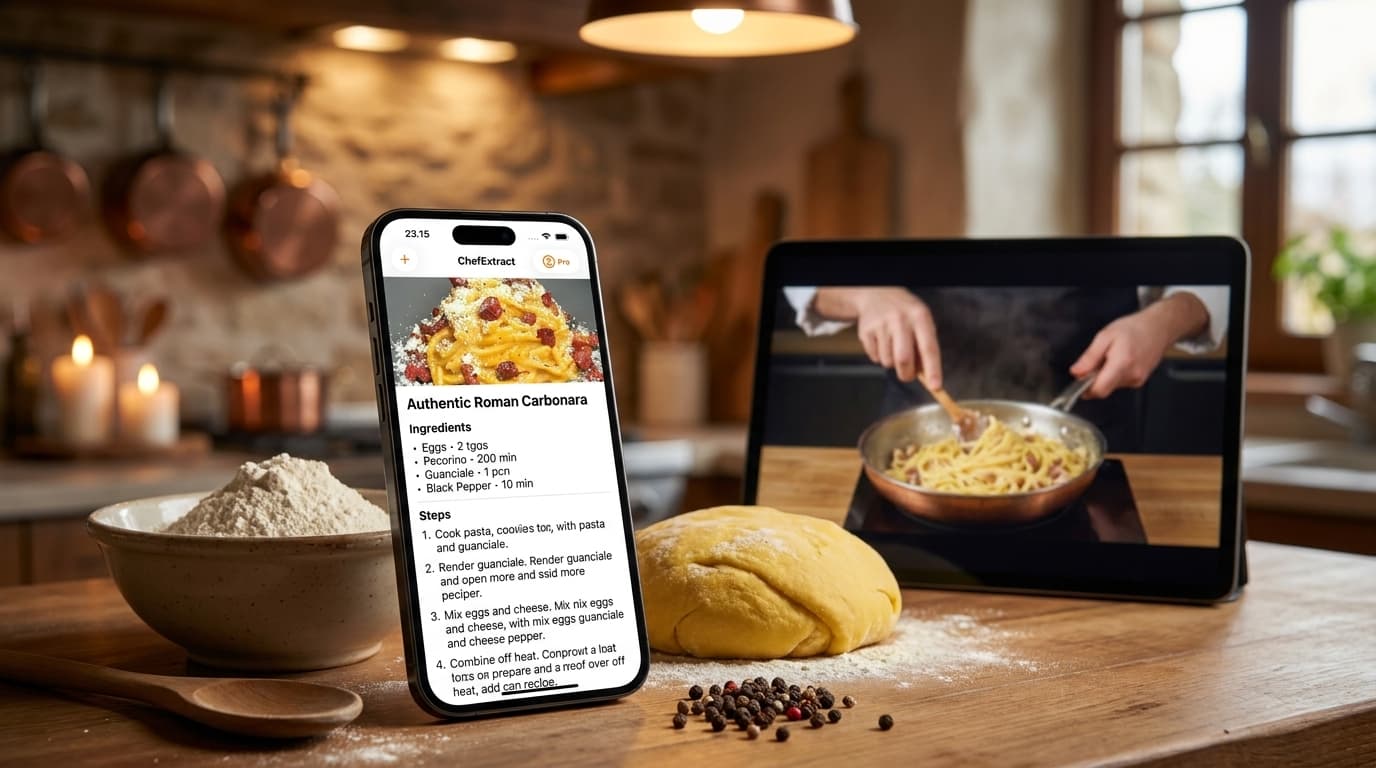
You found a great recipe on YouTube — twenty minutes of chat, three minutes of actual cooking, ingredients buried in the description box below the fold. You want to save that YouTube recipe as a clean ingredient list you can cook from without scrubbing the timeline. ChefExtract and ReciMe both extract from YouTube. The workflows differ.
This guide walks through how to save the same YouTube recipe in both apps. We make ChefExtract, so we'll tell you where ReciMe adds value. Both instructions are genuine.
What YouTube recipe extraction looks like
YouTube is the easiest social platform for extraction when creators write the full recipe in the description — a common format on cooking channels. Harder cases:
- Long vlogs with the recipe only spoken, not written
- Shorts with fast text overlays and no description
- Videos where ingredients are only on screen briefly
Both apps read description, video frames, and audio. Description-rich YouTube videos extract very cleanly in either app.
How to save a YouTube recipe in ChefExtract
Option A: Share Sheet (iPhone)
- Open the video in the YouTube app.
- Tap Share → ChefExtract.
- Wait for extraction (~20–30 seconds for longer videos).
- Review, edit if needed, tap Save.
Option B: Copy link
- Tap Share → Copy link (or copy from Safari).
- Open ChefExtract — clipboard detection picks up the URL.
- Tap Extract → Save.
Recipes are stored locally and offline on your device.


How to save a YouTube recipe in ReciMe
- Copy the YouTube video URL from the app or browser.
- Open ReciMe.
- Import via YouTube source or paste the URL.
- Review the extracted recipe and save.
ReciMe adds meal planning, nutrition estimates, and aisle-organized grocery lists on top of import. Full access requires $59.99/year.
Side-by-side on YouTube
| ChefExtract | ReciMe | |
|---|---|---|
| YouTube extraction (description-rich) | ✅ Excellent | ✅ Excellent |
| Long-form / Shorts with sparse text | Good — reads video + audio | Good |
| Share Sheet (iOS/Android) | ✅ | ❌ Copy link |
| Offline cooking | ✅ | ⚠️ Cloud-based |
| Meal planning + nutrition | ❌ | ✅ |
| Android | ✅ | ✅ |
For standard YouTube cooking channels with written descriptions, both apps perform similarly. ChefExtract is stronger for users who want Share Sheet speed and offline storage. ReciMe fits if YouTube import feeds into a weekly meal plan.
Which app should you download?
Download ChefExtract if you save YouTube recipes on iPhone or Android and want a personal offline cookbook — especially if you also save from TikTok, Instagram, and Pinterest in the same app.
Use ReciMe if YouTube is one input into meal planning, nutrition tracking, and grocery lists.
Paste the same YouTube URL into both free tiers and compare the saved recipe side by side.
Related guides
- How to save recipes from YouTube
- How AI extracts recipes from cooking videos
- ChefExtract vs. ReciMe
- Save TikTok recipes with ChefExtract and ReciMe
Try ChefExtract free
Save your first recipe in seconds. No account required.